How the fold-aware layout works
CreateDeck doesn't swap in a different app when you open the Duo. It's the same screens, sized for whichever display you're looking at.
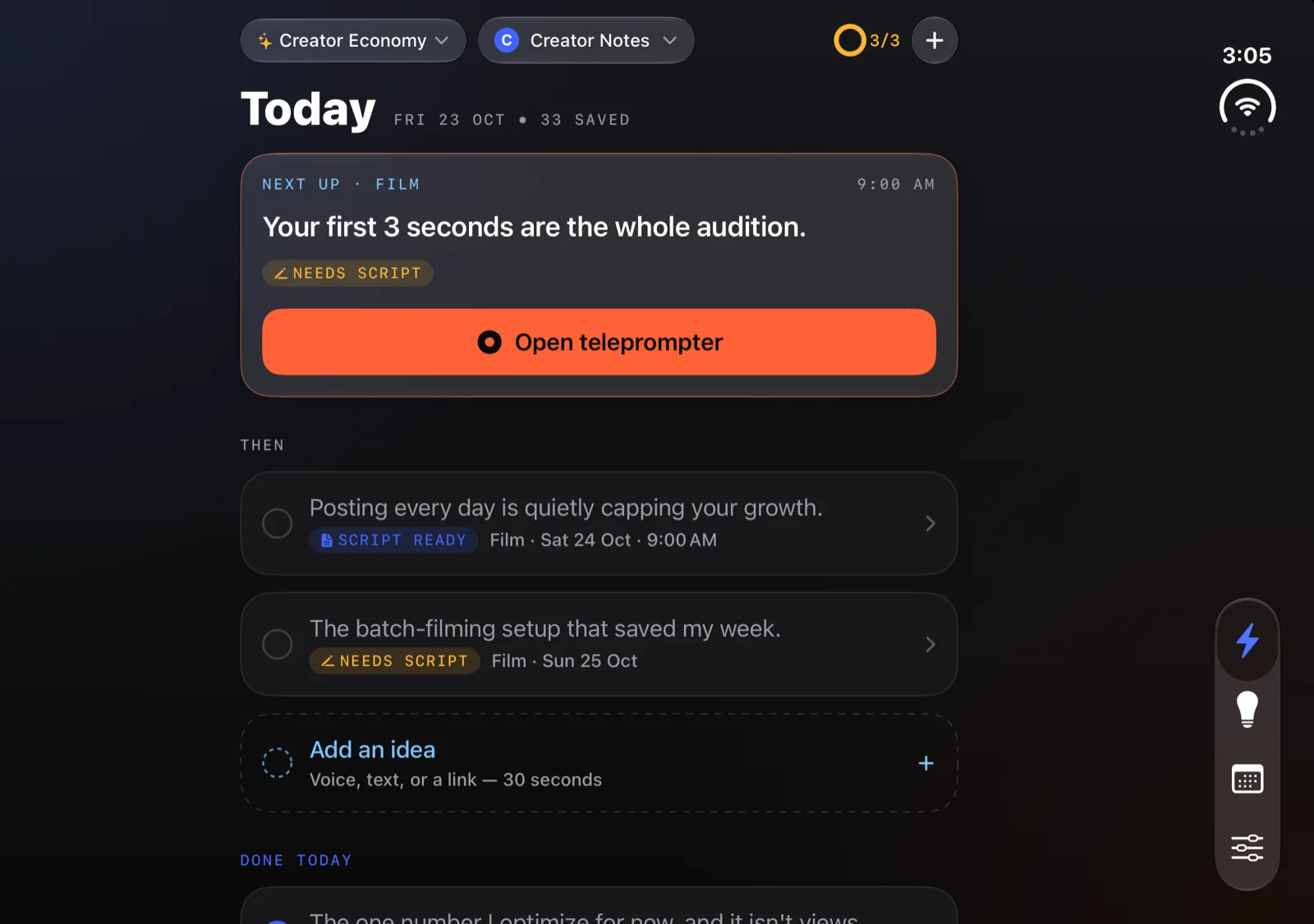
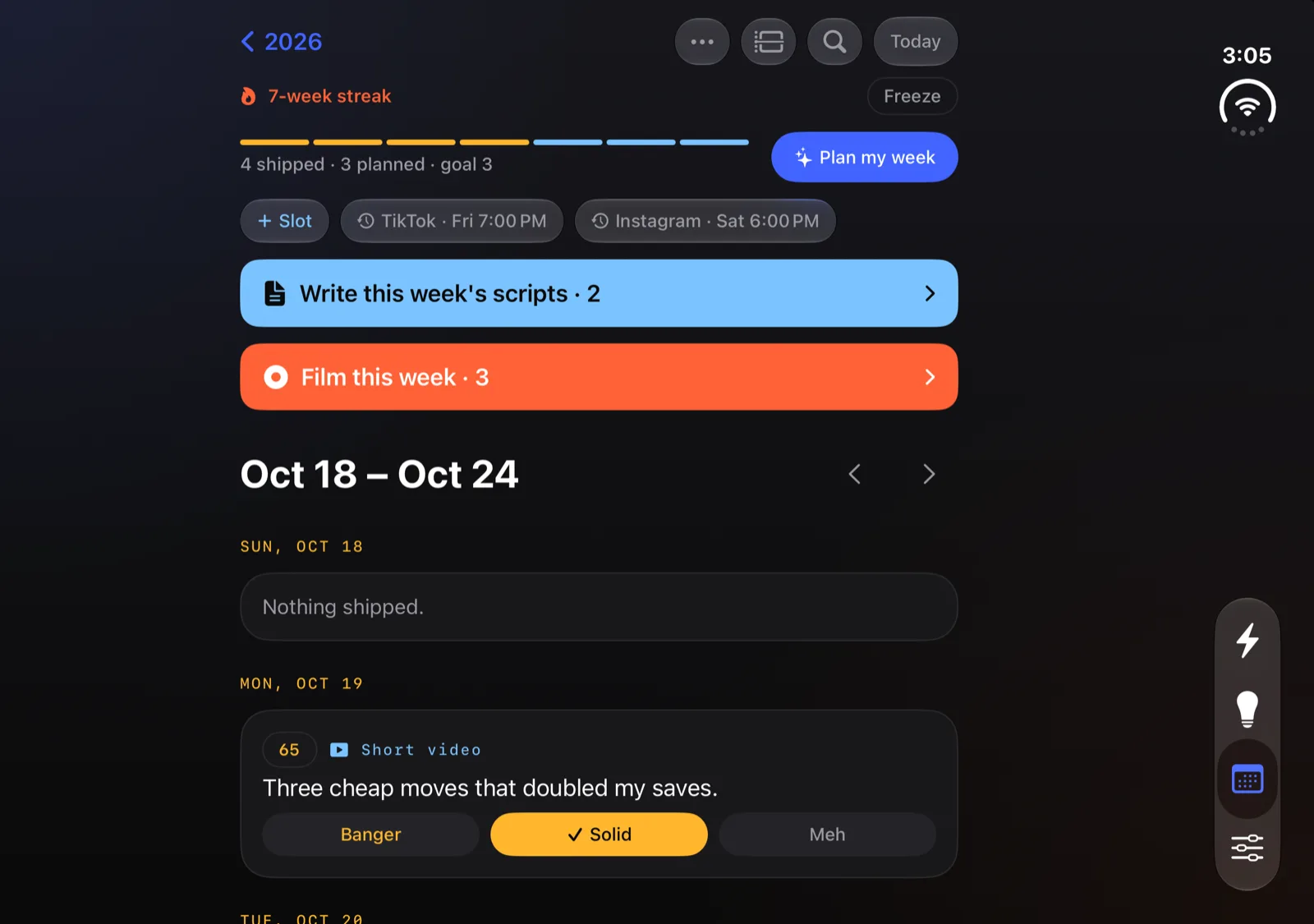
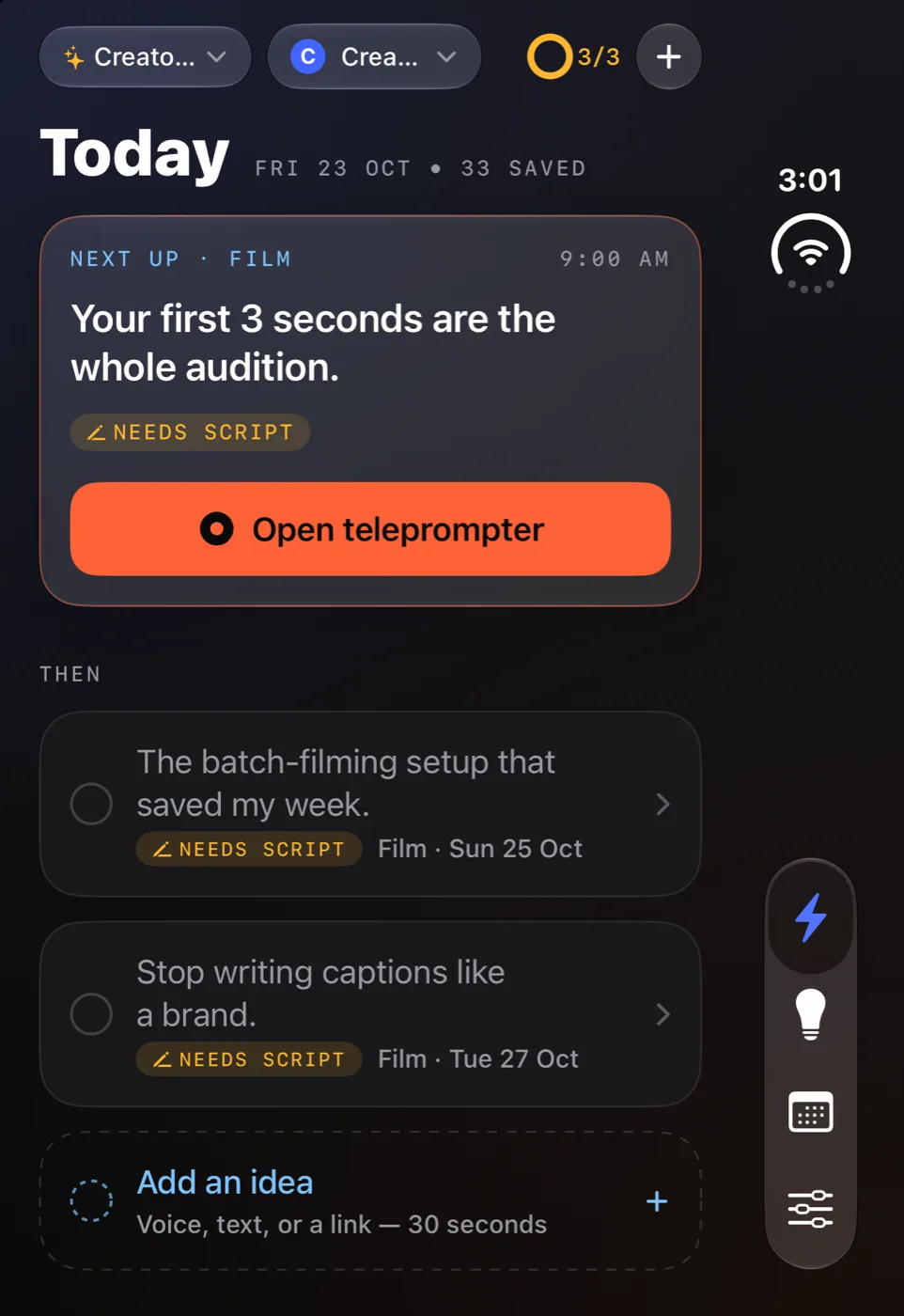
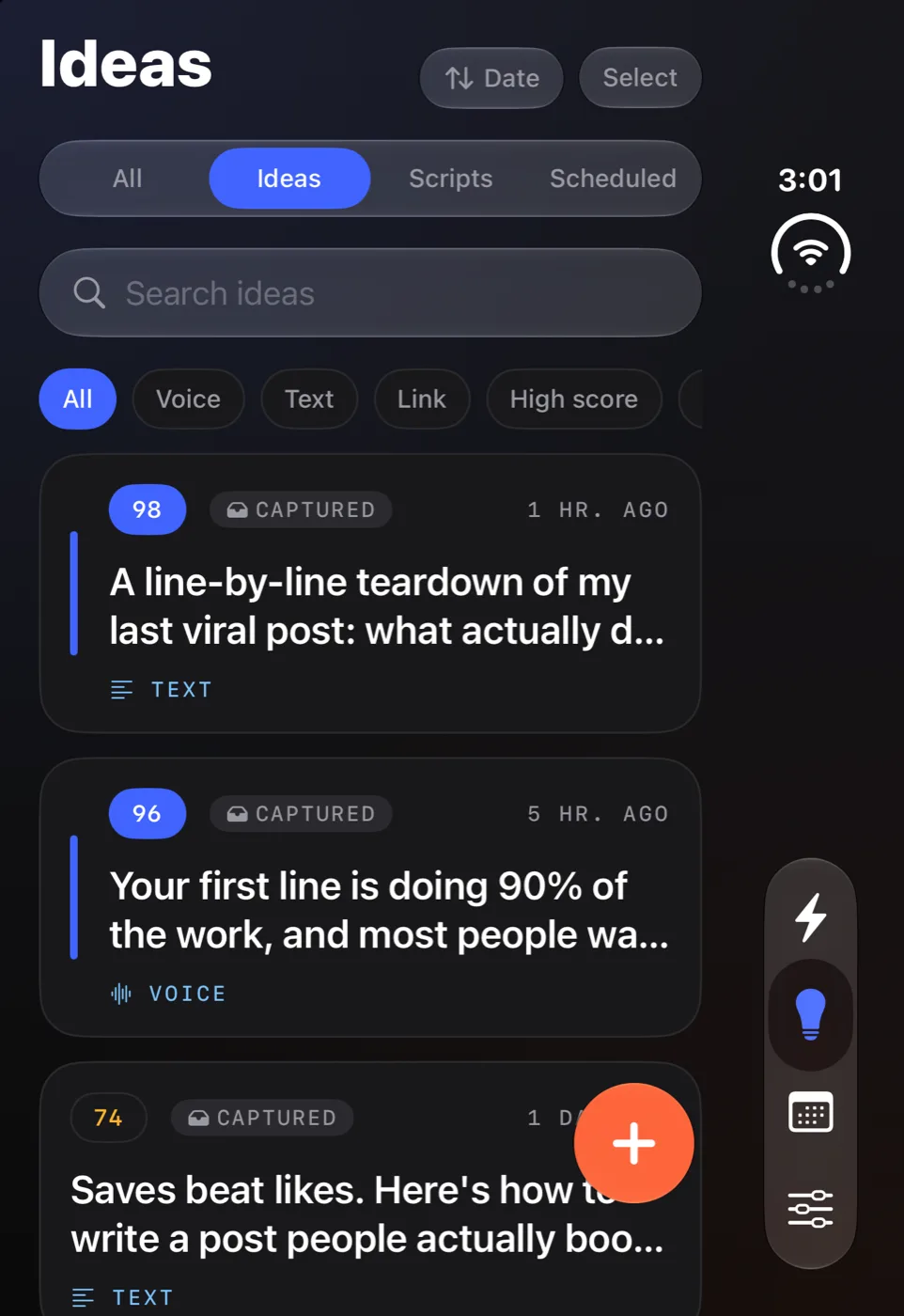
- Inner display, held sideways: each screen sits in a centred column a little wider than a phone, with the background running edge to edge. The tab bar moves down the side.
- Inner display, held upright: the column stays centred and the floating tab bar returns to the bottom.
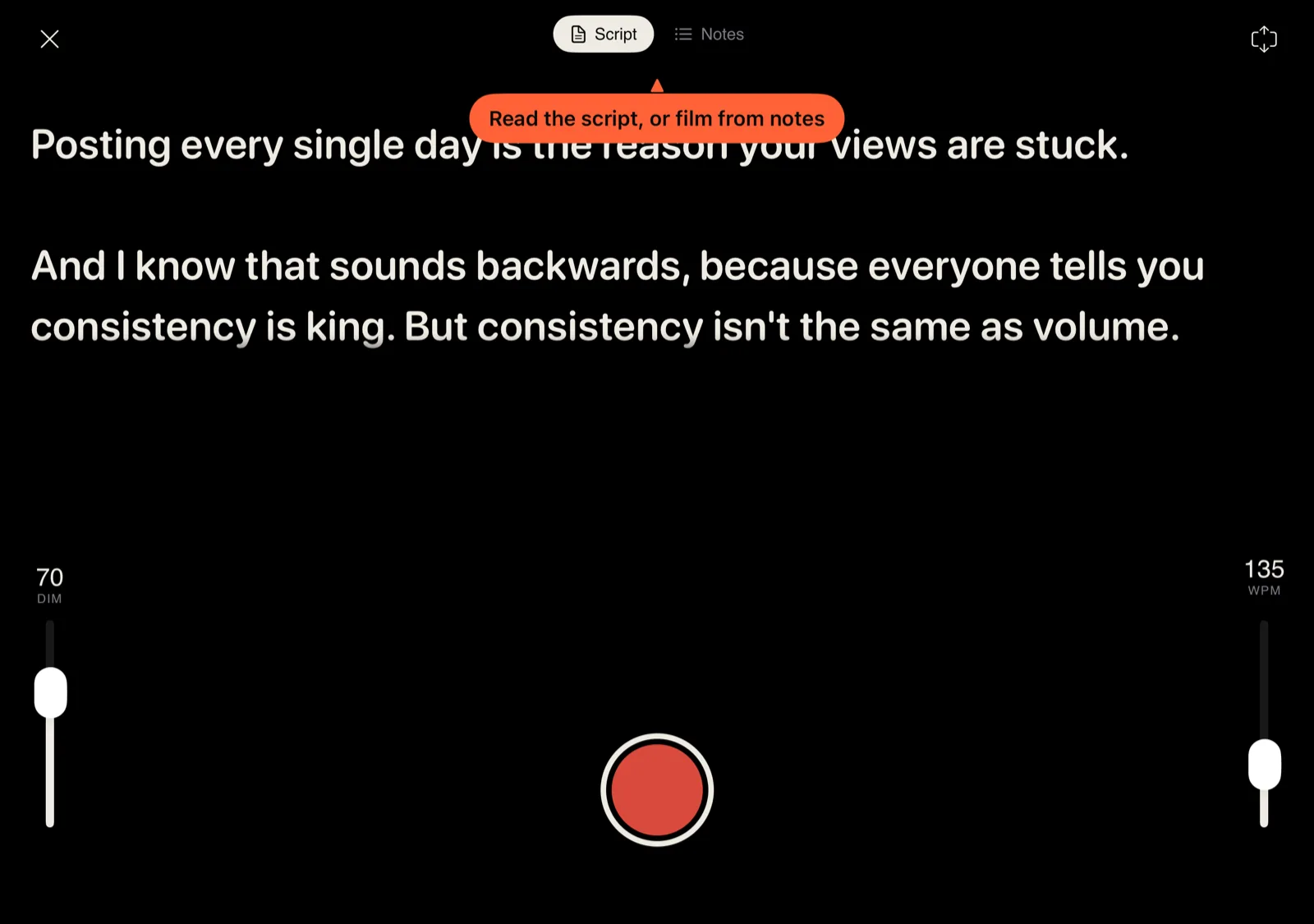
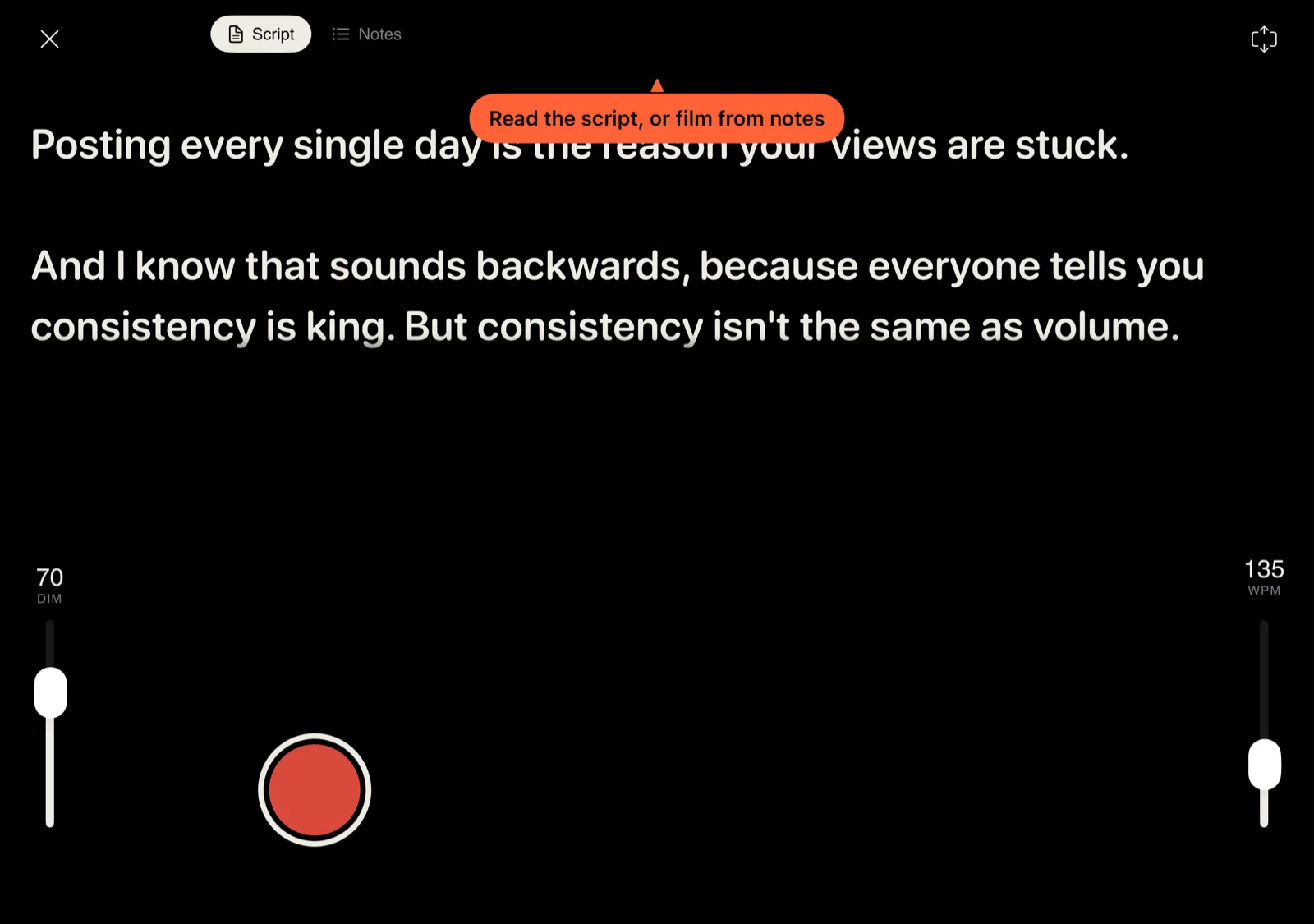
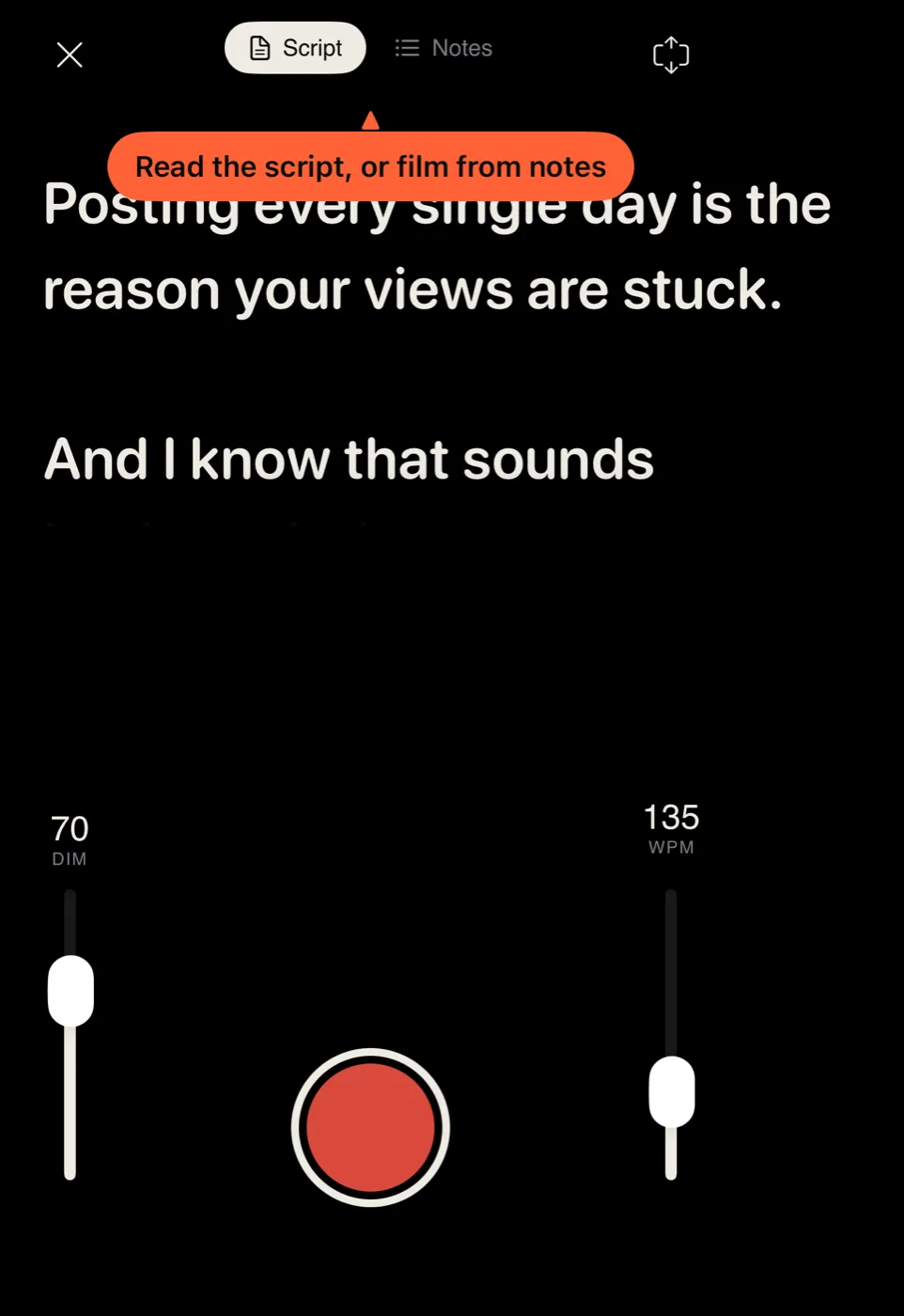
- Half open like a book: lists, scripts and the paywall keep their centred column across the fold. The teleprompter's record button and Script and Notes switch move to the left half.
- Outer display: the full app, with the tab bar in the side column next to the status bar. The welcome screen's headline wraps instead of cutting off, and the voice-capture waveform fits inside its card.
- The wide tools stay wide: the teleprompter's script and the video editor's preview and timeline use the whole inner display.
Everything else works the way it does on any iPhone: talk for 30 seconds, pick a hook, get the script, film it, and post it. If you're new to the app, the full flow is on the home page.